Login to Angel Subtenant
 To begin using OneSense, the first step is to open the website and log in.
Visit the following website to access it:
https://www.onesense.io/account/login
Once the page loads, you will see a login window where you can access your account.

When the Angel admin creates a new subtenant, an automated email is sent to your registered email address. This email contains your login code and a payment link.
Once the payment is processed successfully, you will see a confirmation message indicating that your subtenant account has been created.
Enter your login code and subtenant name, then click Login to access the page.
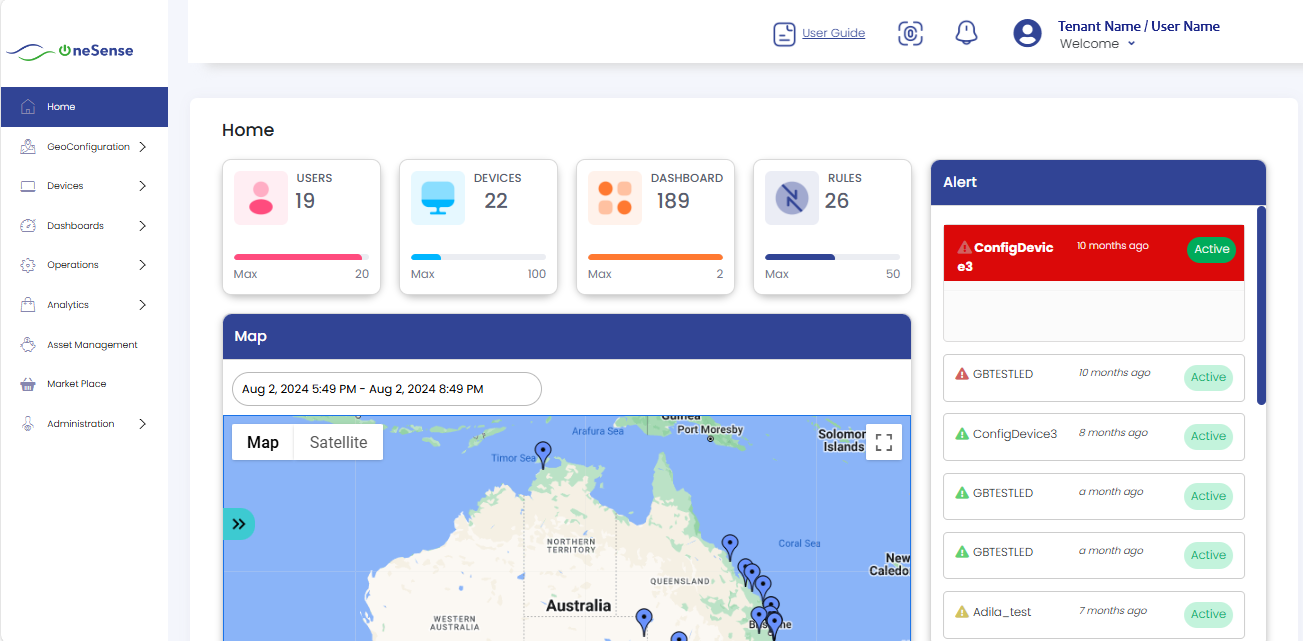
Welcome to the OneSense homepage! This is the central hub where you can access all the platform's features and functionalities.
You're now ready to start exploring the platform's features.